Software can do a lot of things.
Like render a shape, a motion, it can render a motion on a shape
In the image below there are multiple shapes, each one is a piece of code that you can run inside of your web browser.
In the code written the software is also moving components. This is a physics tool called 'vypython' it runs in your web browser
if you use 'glowscript' you can download an html page that runs the java-script version in your browser.
On this page there are samples of code you can explore, they are there to aide you in the development of ideas.
It is important to remember to make very simple concepts first with the samples.
There are many functions that you can integrate to more easily render an idea in a physical relation, written in python.
I want to talk about things from a 'ux' perspective.
We want to convey in the 'Interface' ( that is what the user is presented and interacts with ) are tools for the user to use with their computer system.
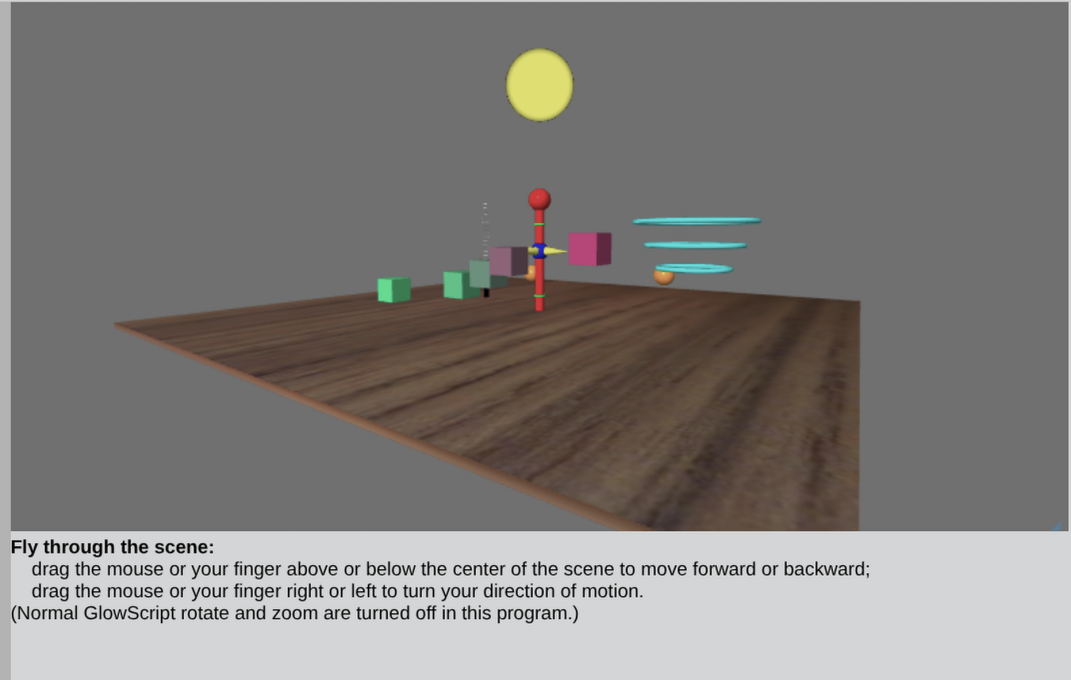
At the bottom of the image we have text that reads how the user can use their finger or mouse.
This helps convey mental models about using interfaces, and the users experience.
So as a developer, it is a responsibility to write those interfaces so they work as expected, and render that on the users presentation.
If you want to understand more about interfaces I suggest you read this article about doorknobs . Now back to software.
In this image above we have several things going on. We want to let the user move the scene to an object,
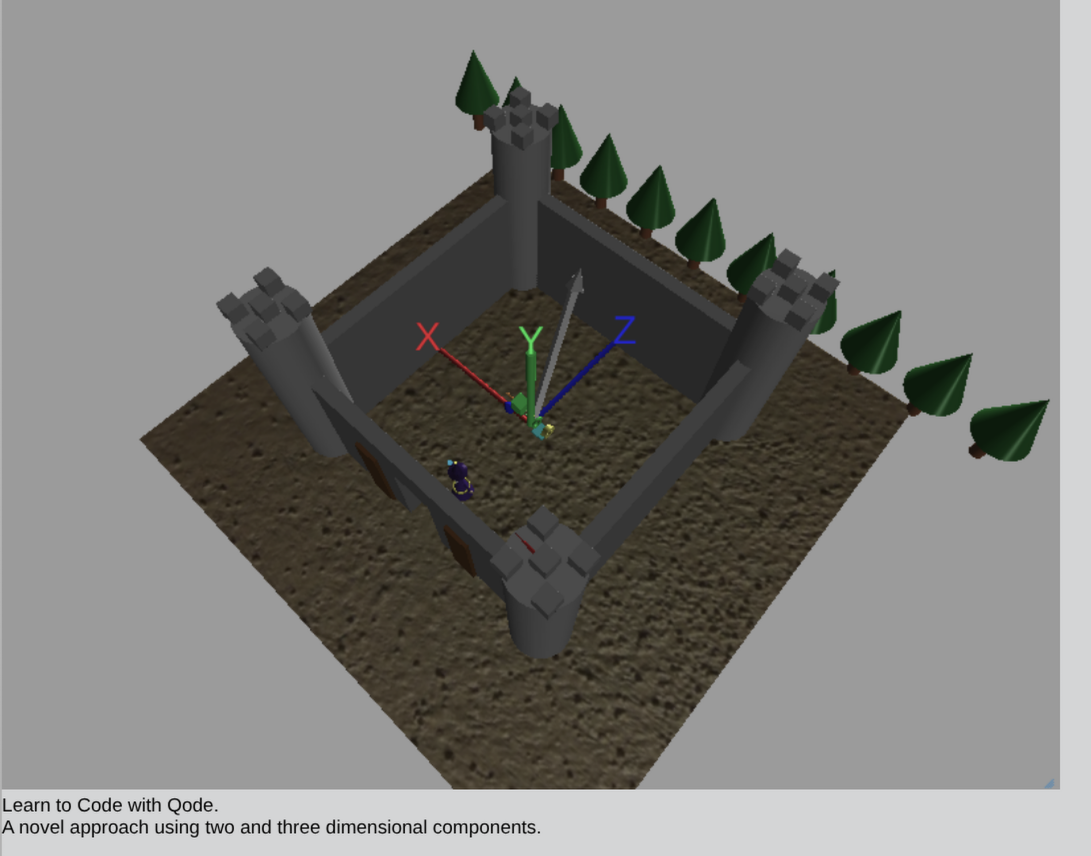
This software uses the X,Y,Z dimensions to place objects.
That means,
X is the horizon
Y is the vertical
Z is the location on the horizon.
Think for a moment, is there a location on the horizon that you have navigated to ?
How did you do it? Think about this briefly, how would you move an object on your desk?
How would you re-arrange the object on your desk?
try to make a mental coordinate system.
Below this text is a video of a three dimensional scene
What are the shapes doing?
Is there physics involved?
Pay close attention to the sun, how come it looks different?
Below you can find the code sample and the ability to share your own code.
Use 'GlowScript Offline' if you do not want to install any software
Web VPython 3.2
floor = box(pos=vector(0,-0.1,0),size=vector(.2,24,24), axis=vector(0,1,0), texture=textures.wood)
cone(pos=vector(2,0,0), axis=vector(0,1,-.3), color=color.blue, size=vector(2,1,1))
A strange encounter Code Sample
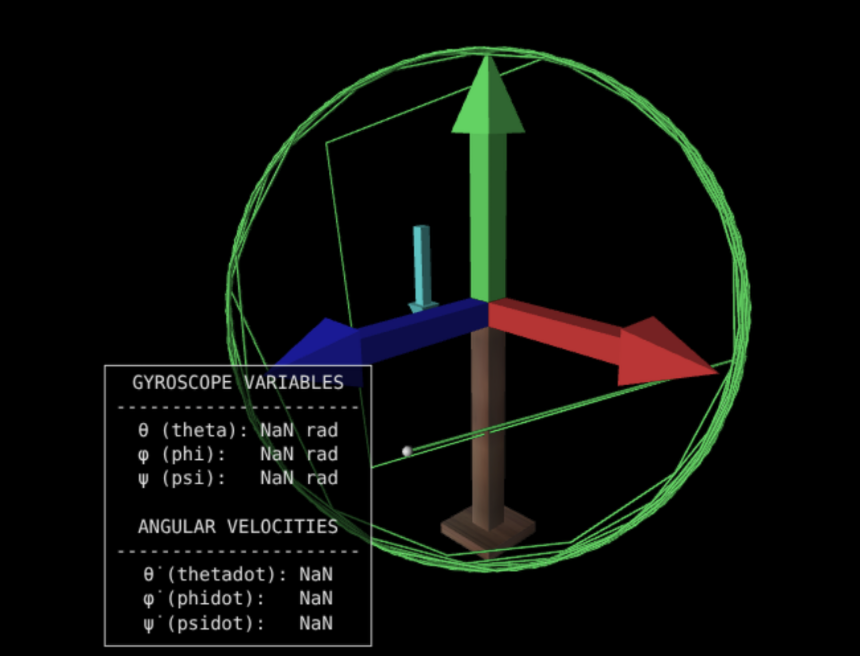
I made some changes to the gyroscope and added some features that allow the user to manipulate the variables.
It also records the trail of the rotation so you can see the changes as they are recorded. Additionally there are arrows that demonstrate the different planes.
X,Y,Z